Approval-Gated Social Content Automation
AI drafts it. A human still approves it.
- Proves
- Workflow automation (n8n)
- Human-in-the-loop design
- Webhook & third-party integration
- Controlled, checked publishing
- Stack
- n8nWebhooksAirtable Slack APIHeadless rendering
The problem
Automating social content is easy to get wrong in one specific way: letting AI-generated content publish itself with nobody checking it first. For anything representing a real brand, that's a risk most businesses aren't willing to take — which means automation has to include a real checkpoint, not just a delay.
What I built
A workflow, built in n8n, that takes structured content — a caption plus a set of templated slides — and renders it into a finished social media carousel. Every rendered carousel is logged to Airtable for tracking, then posted to Slack for a human to review. Nothing goes out until it's explicitly approved in Slack; the workflow then branches conditionally and publishes it through the connected posting service.
Actual output
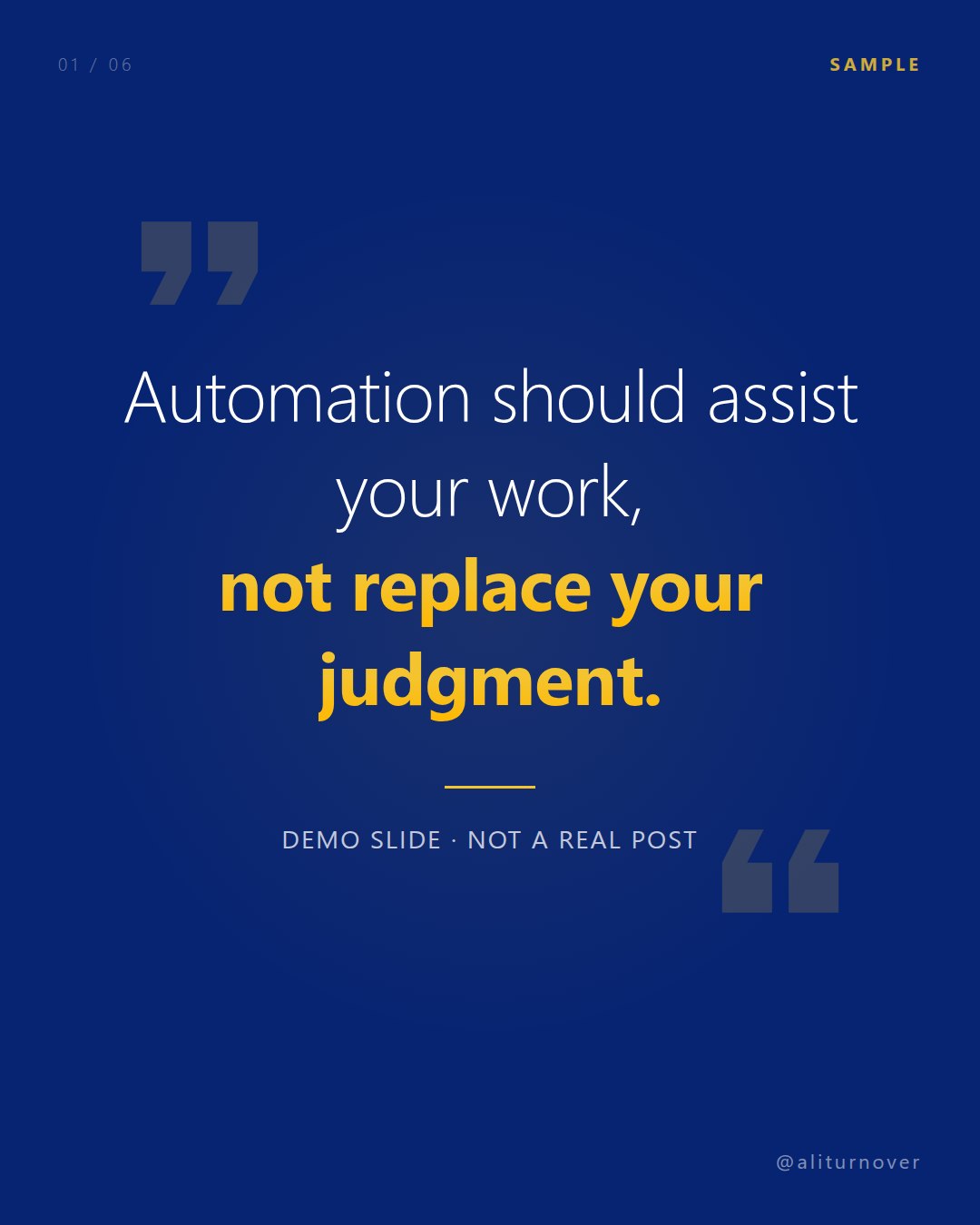
This slide was generated for this case study using the actual render step and one of the real slide templates, with placeholder text standing in for a client's copy.
The workflow
A sanitized redraw of the real n8n workflow's node structure and branching logic — no credentials, channel IDs, or connection names, all of which are stripped from the working copy this is drawn from.
System flow
Technical depth
- A real human-in-the-loop pattern: webhook triggers the render, then the workflow waits on a Slack response before branching to publish.
- Multi-service orchestration across a webhook trigger, a headless rendering step, Airtable logging, Slack approval and a publishing API.
- Exactly the kind of moderation gate agencies and brands ask for when they want AI-assisted content without giving up editorial control.
Personal Slack, Airtable and credential references from the real workflow are never shown — only the sanitized structure and pattern above.
Need something like this built?
I take on remote and contract implementation work — automation, internal tools, integrations and web systems.
Let’s talk